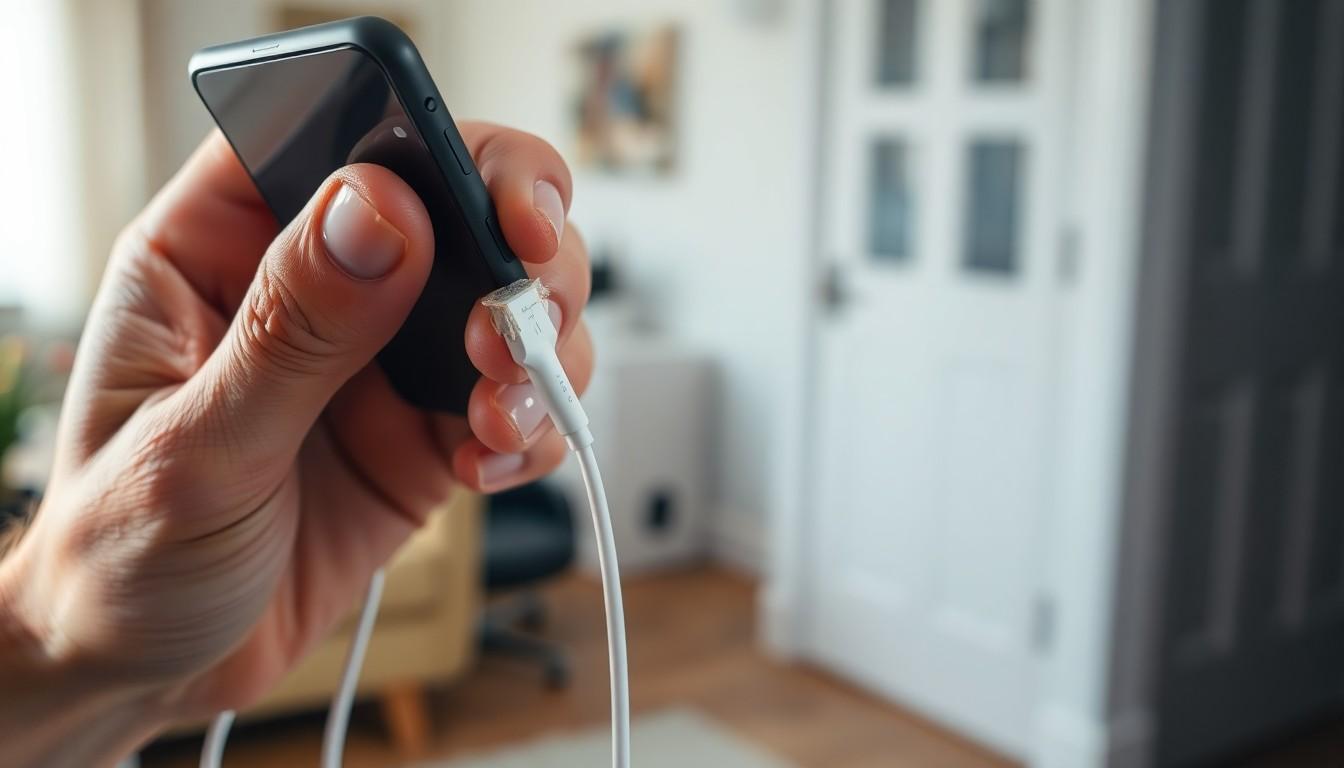
Picture this: you’re ready to dive into your favorite podcast or catch up on the latest TikTok trends, but your iPhone has other plans. Instead of powering up, it’s playing hard to get. Why won’t it charge? It’s a question that’s plagued many, turning tech-savvy folks into frantic detectives.
From a stubborn charging cable to a rebellious charging port, the reasons can be as varied as your playlist. But fear not! With a little troubleshooting and a sprinkle of humor, you can get your iPhone back in action. Let’s unravel the mystery behind that uncooperative device and turn your charging woes into a thing of the past.
Common Reasons Why iPhone Won’t Charge
Several factors can prevent an iPhone from charging. Identifying the root cause helps resolve the issue effectively.
Faulty Charging Cable
Worn-out charging cables create charging problems. Frayed wires, exposure to moisture, or damaged connectors often lead to failures. Users should inspect cables for any physical signs of damage. Trying a different, compatible charging cable can confirm if the original is faulty. Quality cables from reputable manufacturers ensure better durability and performance.
Damaged Charging Port
A damaged charging port disrupts the connection between the cable and the iPhone. Dust, lint, or debris frequently accumulate inside the port. Cleaning the port with a soft brush or compressed air can remove obstructions. Additionally, checking for bent pins or physical damage proves essential. If the port exhibits signs of damage, professional repair might be necessary.
Software Glitches
Software issues may hinder charging functionality. Outdated software or failed updates often result in unexpected behavior. Restarting the iPhone can resolve temporary glitches and restore charging capabilities. Additionally, users must ensure the device runs the latest iOS version. In some cases, resetting settings might correct deeper software problems affecting charging.
Troubleshooting Steps for Charging Issues

Troubleshooting iPhone charging issues involves a few straightforward steps. Following these can help identify and resolve common problems quickly.
Check the Charging Cable and Adapter
Examine the charging cable for visible wear or damage. Worn cables might expose wires or show fraying, which prevents proper charging. Check the adapter as well; it should fit snugly into the outlet. Using a different charging cable or adapter can help confirm if the original components are malfunctioning. If the cable feels warm or shows any signs of damage, replacing it may be necessary.
Inspect the Charging Port
Inspect the charging port for dust or debris, which often disrupts connectivity. A can of compressed air or a soft brush can effectively clean the port without causing damage. After cleaning, check if the charging cable fits securely without resistance. If the port looks damaged or loose, professional repair may be essential for proper functioning.
Restart Your iPhone
Restarting the iPhone can resolve temporary software glitches affecting charging. Hold down the side button and one of the volume buttons until the slider appears. Then, slide to power off the device. Wait a few seconds before turning it back on. After rebooting, the iPhone should respond better to charging attempts, particularly if software updates or background applications contributed to the issue.
Advanced Solutions
For persistent charging issues, further steps can enhance the iPhone’s functionality. Exploring software-related solutions often resolves these problems effectively.
Update iOS
Keeping iOS updated improves performance and fixes bugs. Users should check for the latest software version in Settings, under General, and tap Software Update. If an update is available, downloading and installing it can tackle charging glitches. It’s vital to maintain the latest updates for optimal device functionality. After updating, users often notice a significant difference in charging behavior, ensuring the iPhone works as intended.
Factory Reset Your iPhone
Performing a factory reset can resolve deep-rooted issues when charging persists. Before initiating the reset, backing up essential data is crucial since this process erases all information. Users can access Settings, select General, and tap Transfer or Reset iPhone to find the factory reset option. Once completed, the iPhone returns to its original factory settings, resolving potential software conflicts affecting charging. A fresh start often rejuvenates device performance, allowing for efficient charging capabilities.
When to Seek Professional Help
Persistent issues with an iPhone that won’t charge might require professional assistance. If standard troubleshooting steps fail after multiple attempts, users should consider visiting a certified technician. Constant failure to charge despite trying different cables and adapters indicates a potential hardware problem.
Overheating during charging presents another red flag. If an iPhone becomes excessively warm or hot to the touch, this issue warrants immediate attention. Likewise, unusual software behavior can signal deeper problems. When software updates or the factory reset do not resolve charging issues, professional expertise may be necessary.
Physical damage, such as a cracked screen or water exposure, complicates charging further. In such cases, addressing these visible signs of damage is crucial before expecting charging functionality to return. Users must also seek assistance if they notice any signs of corrosion in the charging port. Corrosion can prevent proper electrical connections, making professional cleaning vital.
A lack of response from the device when connecting the charger can signal more severe internal issues. Professionals can effectively diagnose these problems using specialized tools that the average user does not possess. Ultimately, trusting certified repair centers ensures that they follow the proper procedures for fixing complex issues.
Users should not hesitate to seek help if unusual noises occur during charging. Abnormal sounds might indicate loose components or faulty charging circuits. Prioritizing safety and functionality guarantees the longevity of the device, extending its usability and enhancing performance.
Conclusion
Dealing with an iPhone that won’t charge can be frustrating but understanding the potential causes and solutions makes it manageable. By inspecting cables and ports for damage and keeping the software updated users can often resolve these issues on their own.
If problems persist despite troubleshooting efforts seeking professional help is a wise choice. A certified technician can diagnose more complex issues that may not be apparent. Prioritizing device safety and functionality is crucial for a seamless user experience. With the right approach most users can get their iPhones charging efficiently again.